CUSTOMIZER
Make It Yours
Pick a model, set your text, size and options, then generate a real STL — rendered locally in your browser with OpenSCAD. Customizing and previewing are free; saving the STL is included in paid memberships.
New: Memory FramesDesign your own photo frame — 33 designs to personalize.Browse framesCustomizable models (21)
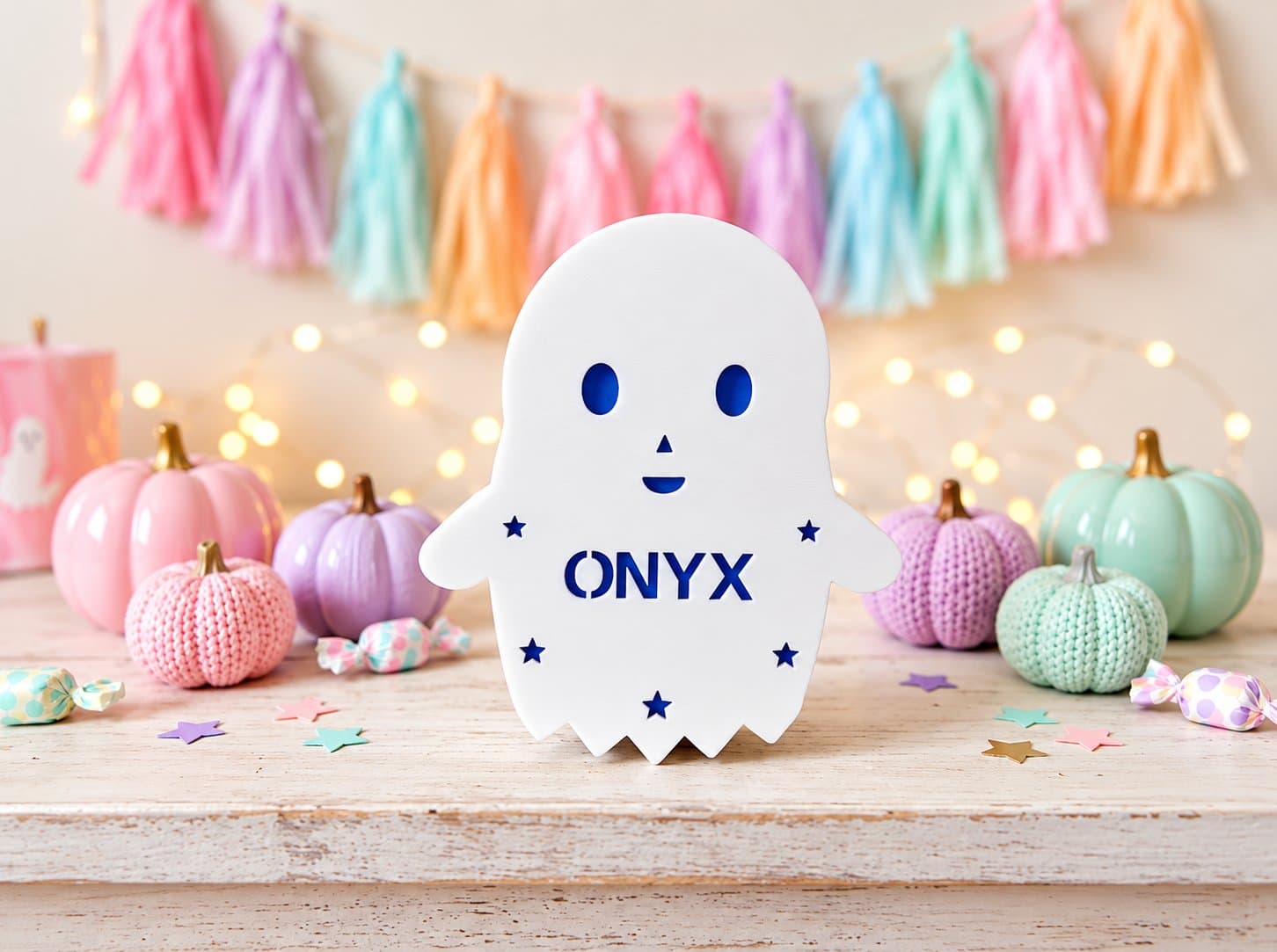 CustomizePersonalized Ghost LED Candle Holder Custom Name Halloween Decor👻 Your name, your little ghost! Add an LED candle for a cozy glow. Cute, customizable, and playfully leaning! 💙✨Starter✨ Customized
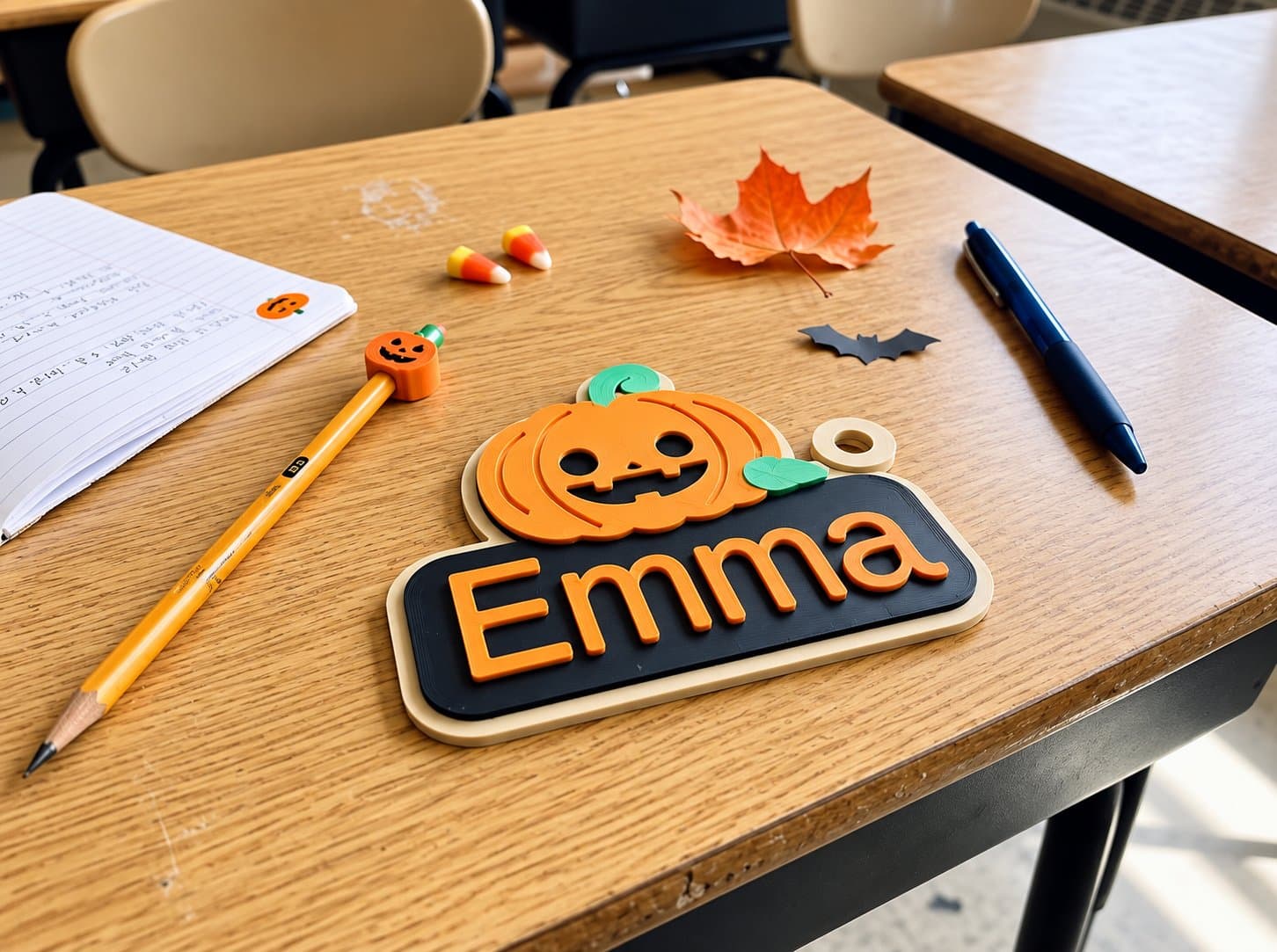 CustomizePersonalized Halloween Pumpkin Keychain Custom Name🎃 Pumpkin smiles and Halloween vibes! 🧡 Add your name to this adorable 3D printable keychain. Perfect for bags, gifts, and spooky fun!Starter✨ Customized
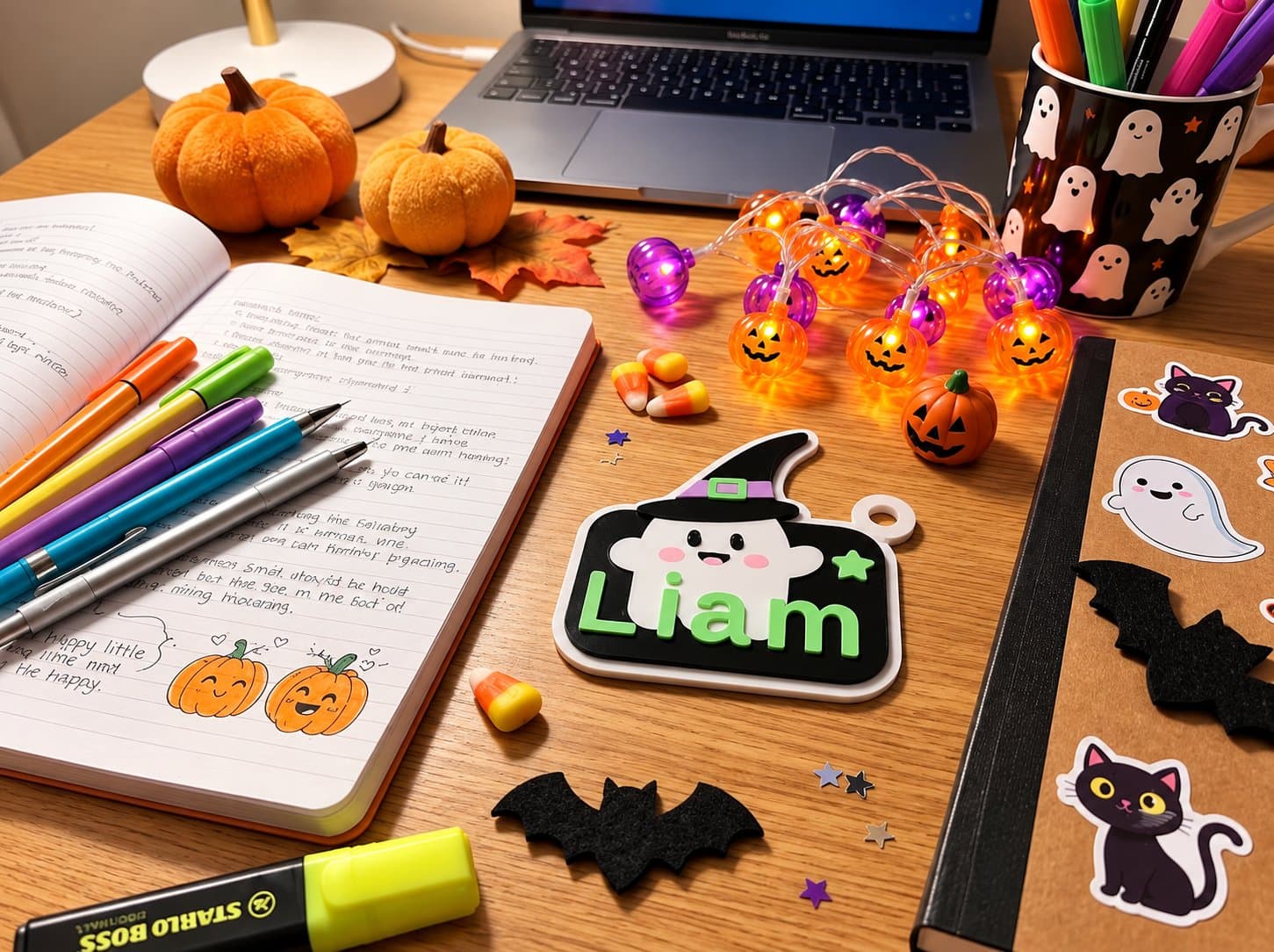 CustomizePersonalized Halloween Ghost Witch Name Sign💀🎃 Spooky, cute, and made for YOU! 💙 Personalize this skull & bones keychain with your name. A perfect little Halloween gift!Starter✨ Customized
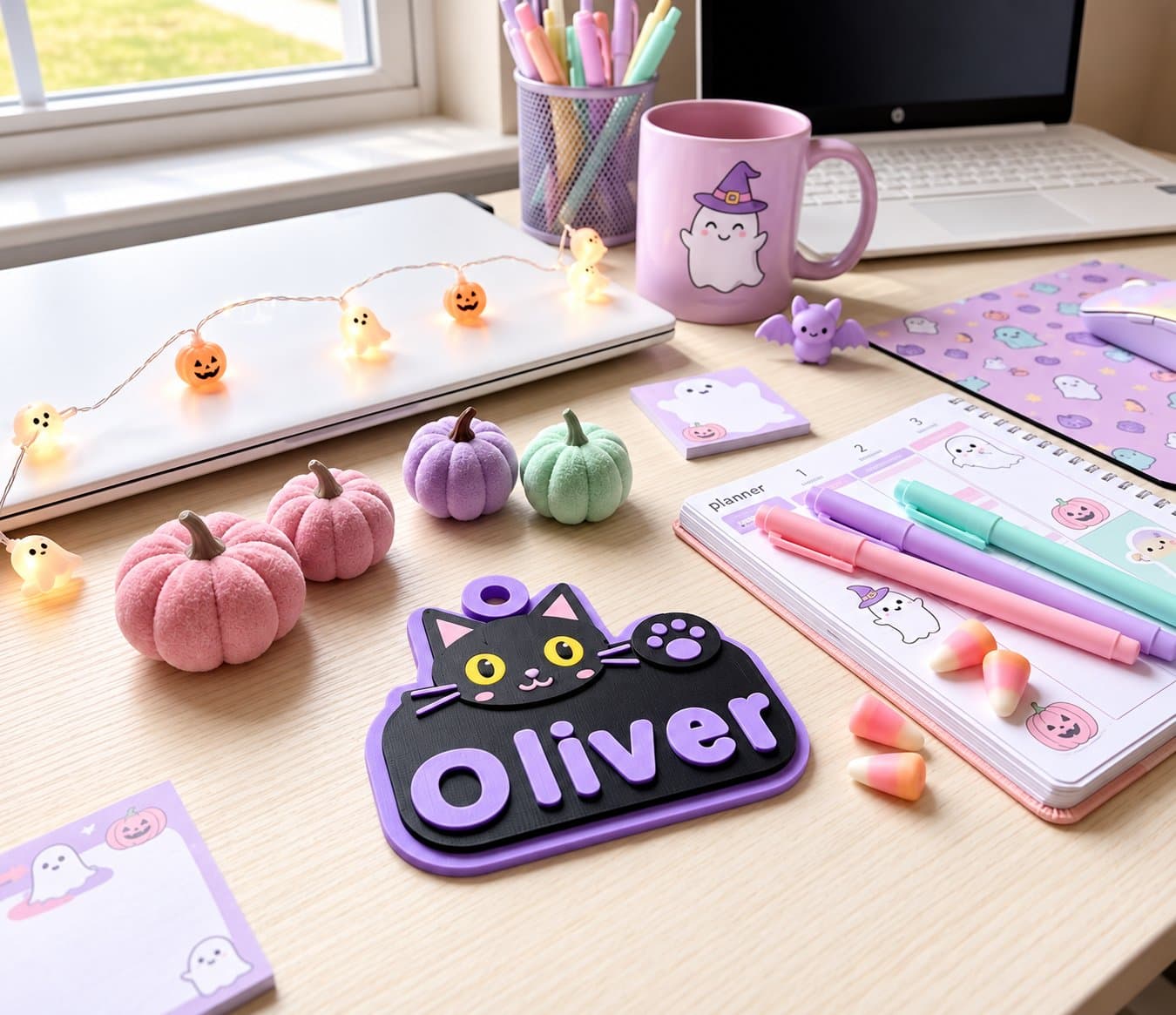 CustomizePersonalized Halloween Black Cat Keychain Custom Name🐈⬛💜 A little black cat with a name just for you! Customize this adorable Halloween keychain. Perfect for cat lovers, bags, and gifts! 🎃Starter✨ Customized
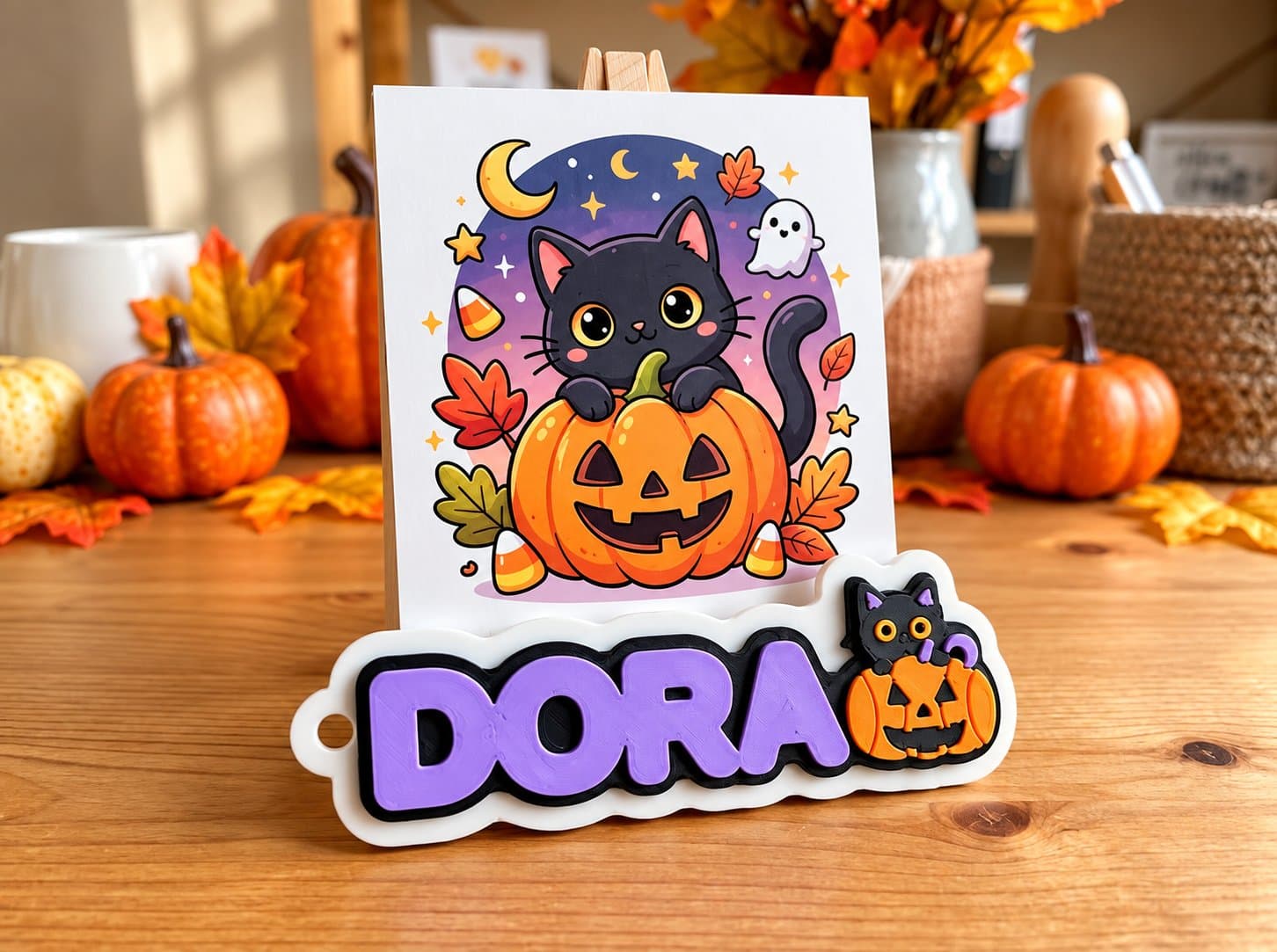 CustomizePersonalized Halloween Black Cat Pumpkin Keychain Custom Name🎃🐈⬛ A pumpkin, a cute black cat, and YOUR name! 💜 Customize this adorable Halloween keychain for bags, gifts, and spooky fun!Starter✨ Customized
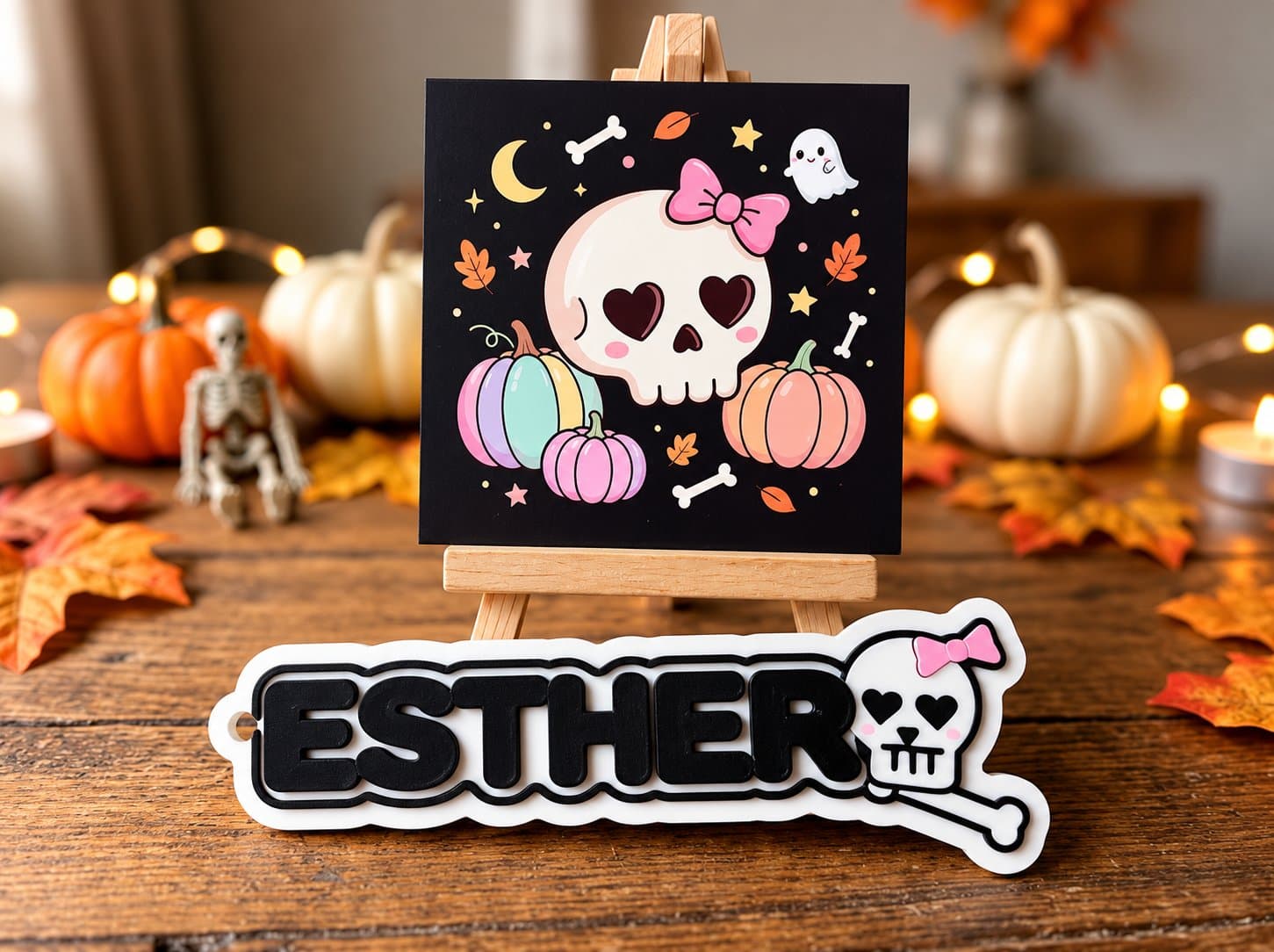 CustomizePersonalized Cute Skull Halloween Keychain Custom Name💀🎀 Spooky meets sweet! Customize this adorable skull keychain with your name. Perfect for Halloween gifts, backpacks, and gothic vibes! 💜Starter✨ Customized
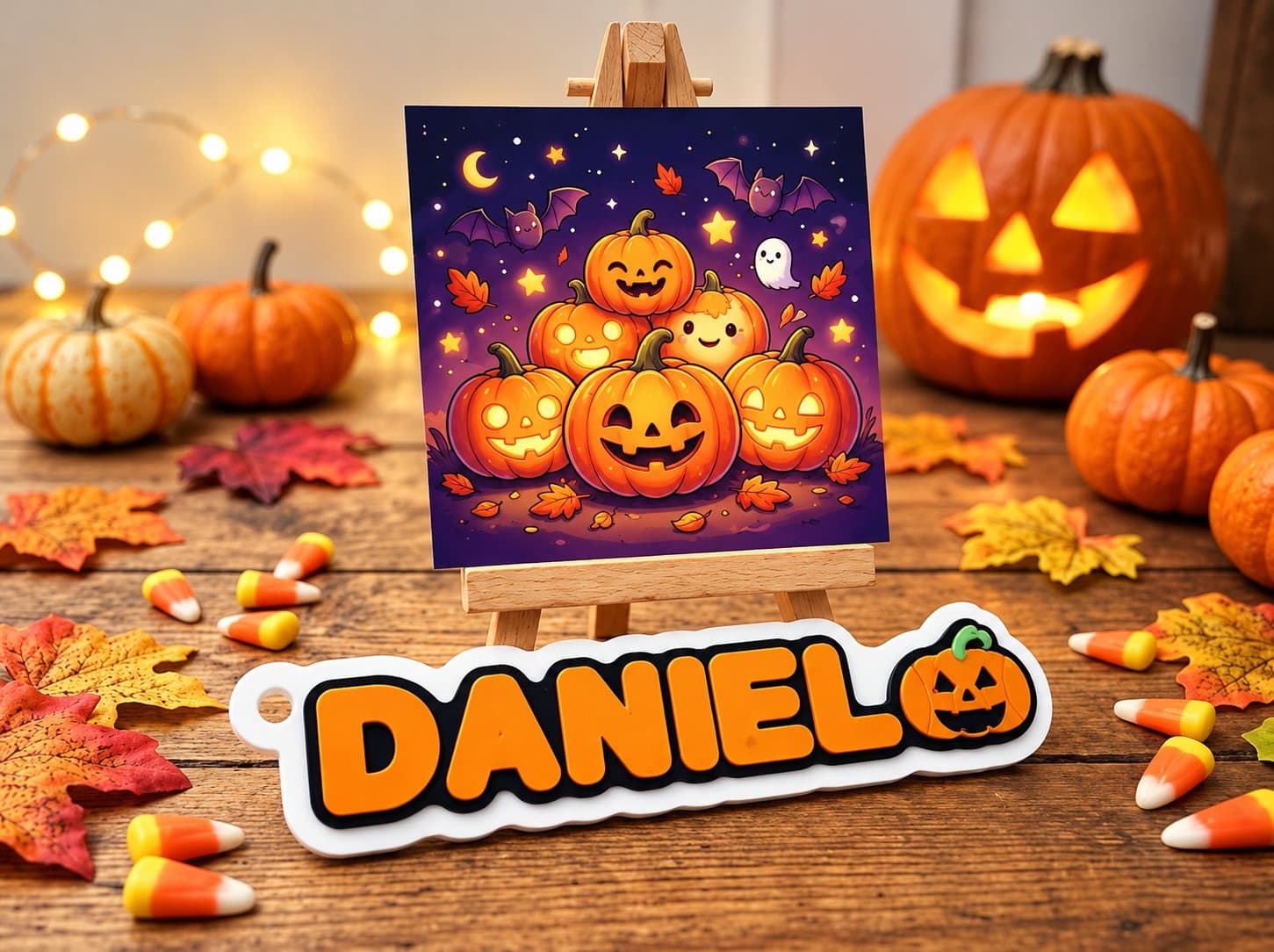 CustomizePersonalized Halloween Pumpkin Name Keychain Custom Name🎃 Your name, your pumpkin magic! 🧡 Customize this adorable Halloween keychain. Perfect for backpacks, party favors, and spooky gifts!Starter✨ Customized
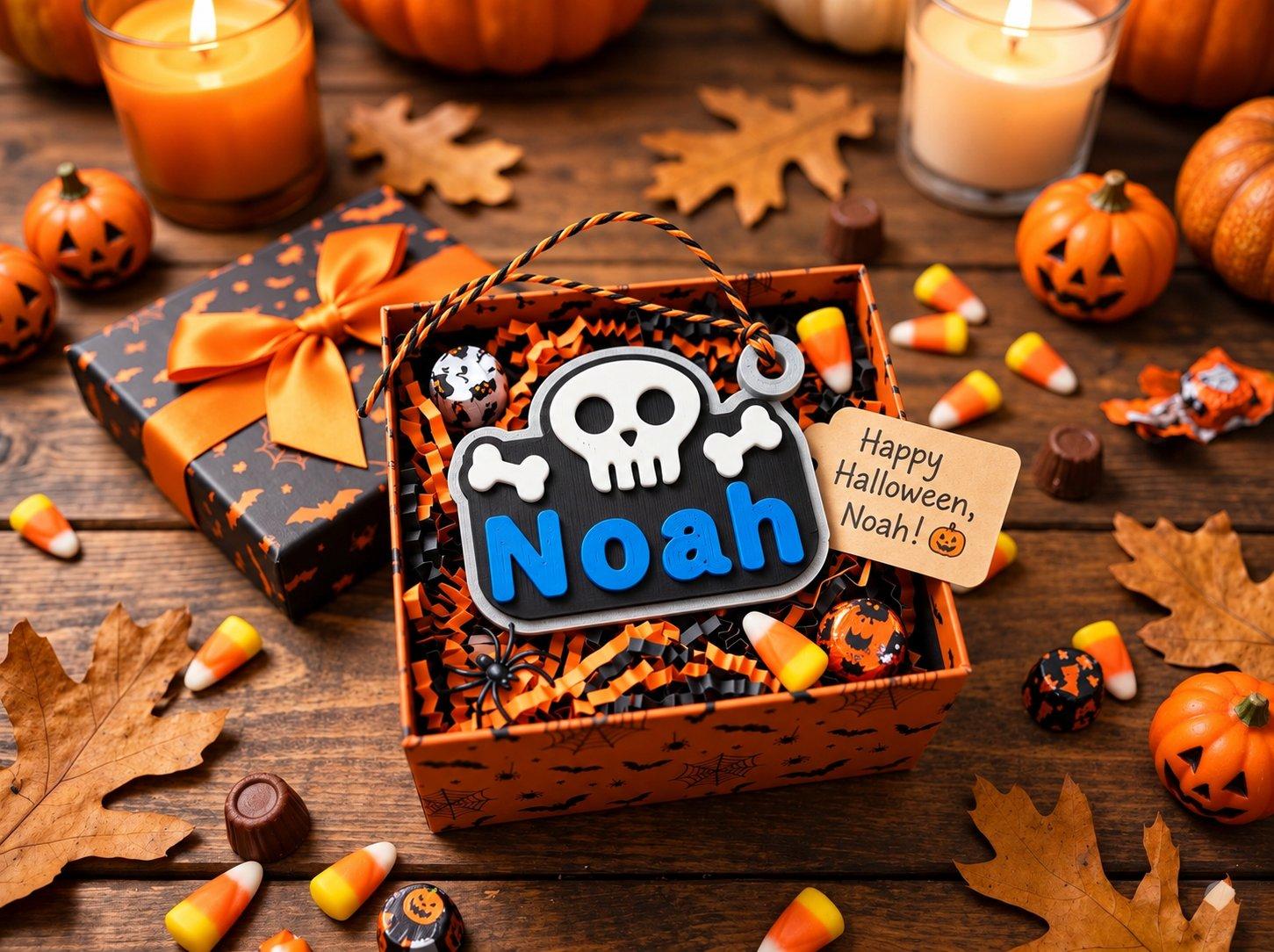 CustomizePersonalized Halloween Skull Bones Keychain Custom Name💀🎃 Spooky, cute, and made for YOU! 💙 Personalize this skull & bones keychain with your name. A perfect little Halloween gift!Starter✨ Customized
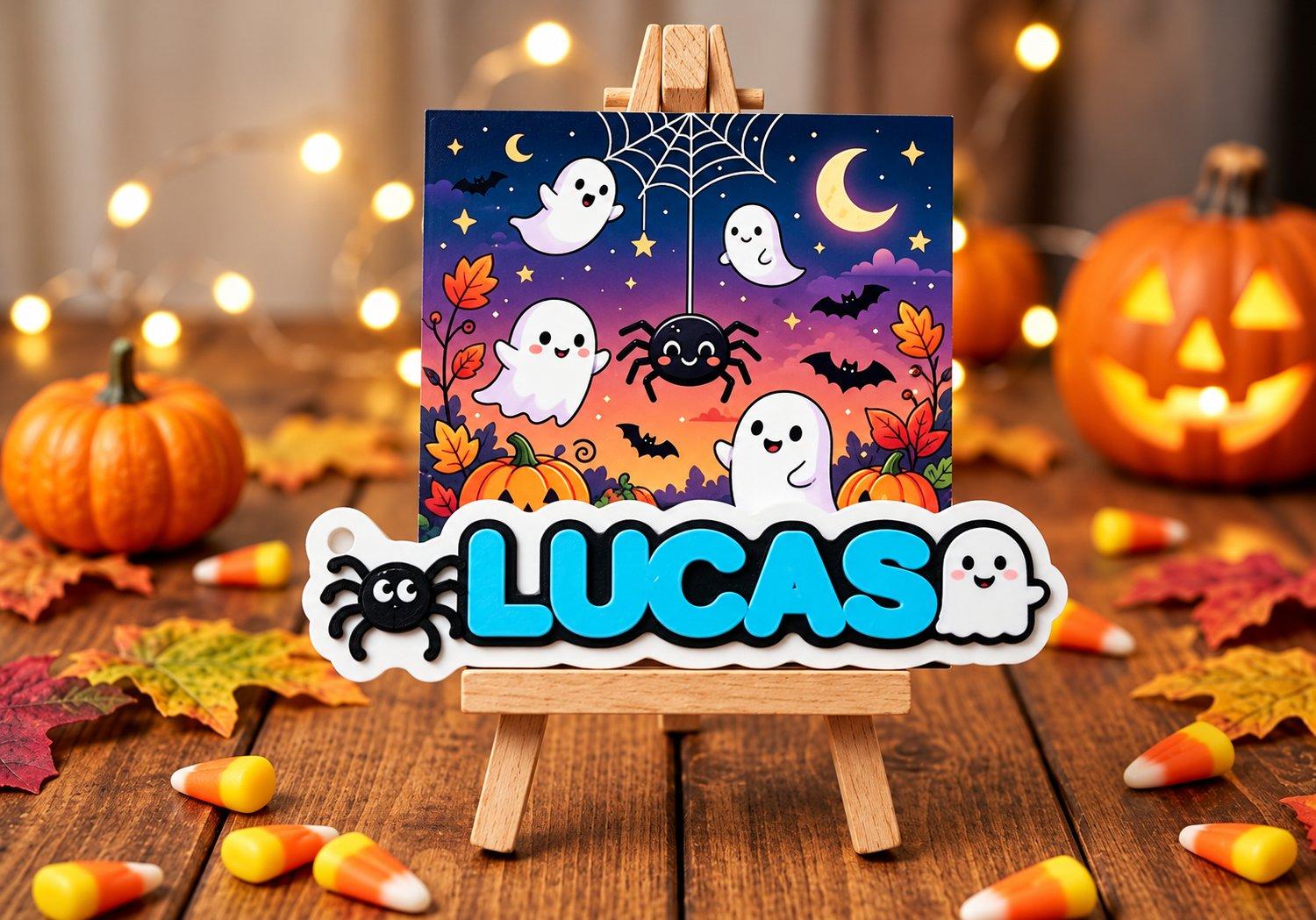 CustomizePersonalized Halloween Ghost Spider Keychain Custom Name👻🕷️ Boo! Your name just got spooky-cute! 💙 Customize this adorable ghost and spider keychain for Halloween gifts, bags, and fun! 🎃Starter✨ Customized
 CustomizePersonalized Halloween Pumpkin Name Keychain Bag Tag🎃 Your name, your Halloween style!🦇 Customize this spooky keychain with your favorite name and colors. Perfect for bags, keys, and gifts! Starter✨ Customized🎁 Welcome Gift
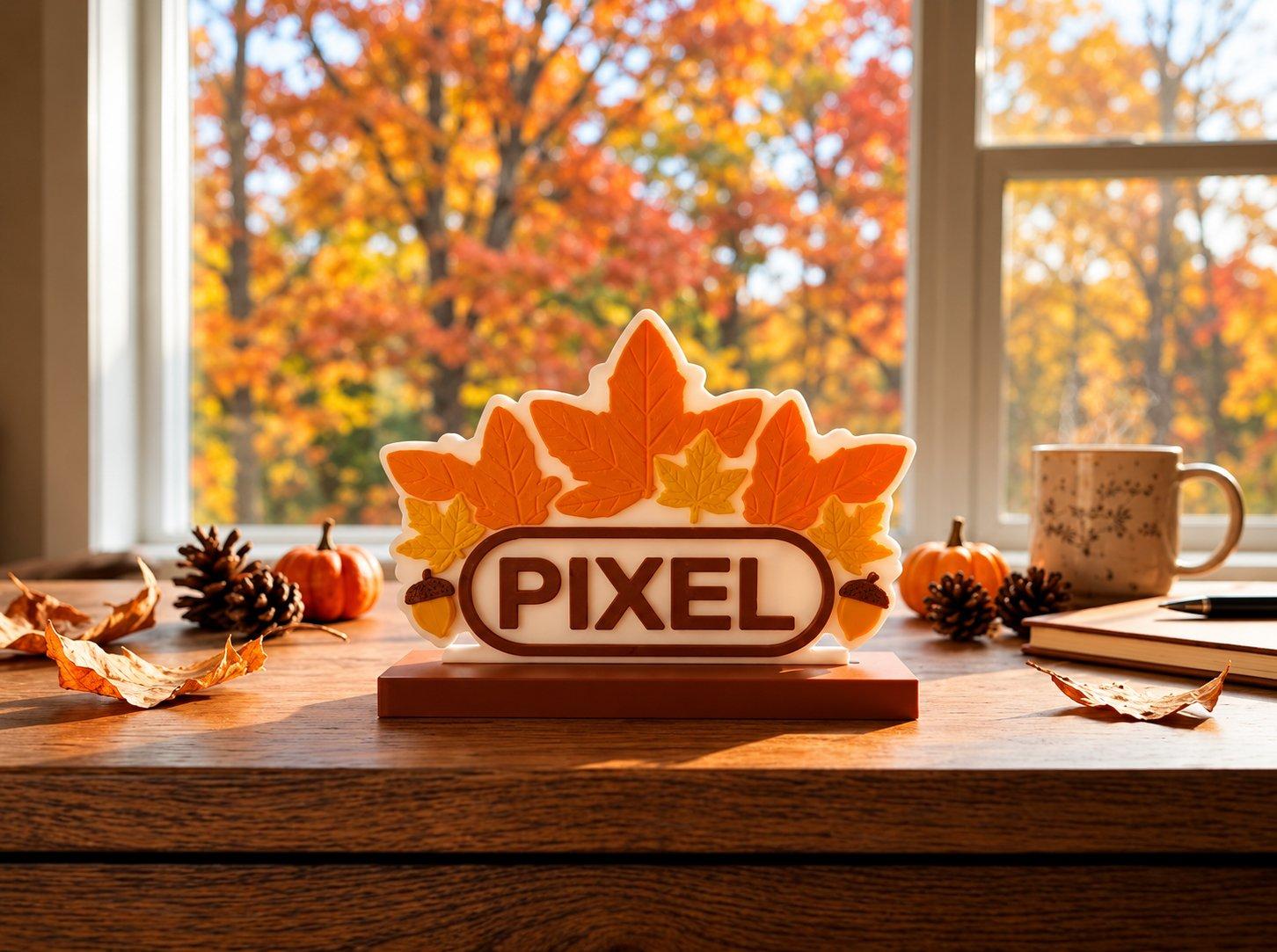 CustomizePersonalized Autumn Maple Leaf Name Sign With Stand🍁 Make autumn personal! Customize your name on this charming maple leaf sign with a detachable stand. Perfect for cozy fall decor! 🍂Starter✨ Customized
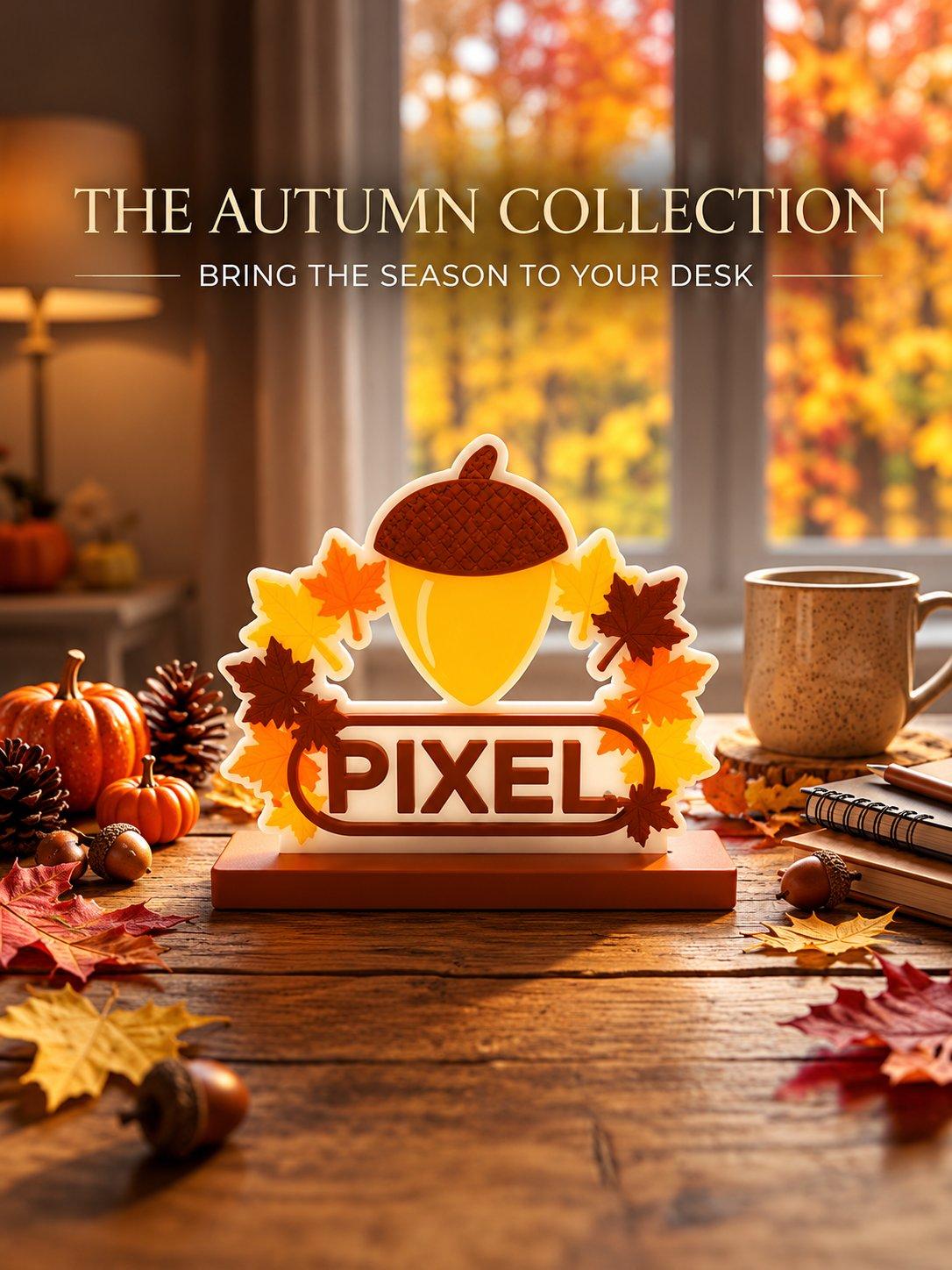 EditingCustomizable Autumn Acorn Name Sign With Stand🍁 Welcome autumn! Customize your name on this colorful acorn sign with a separate printable stand. Perfect for cozy desks and seasonal giftStarter✨ Customized
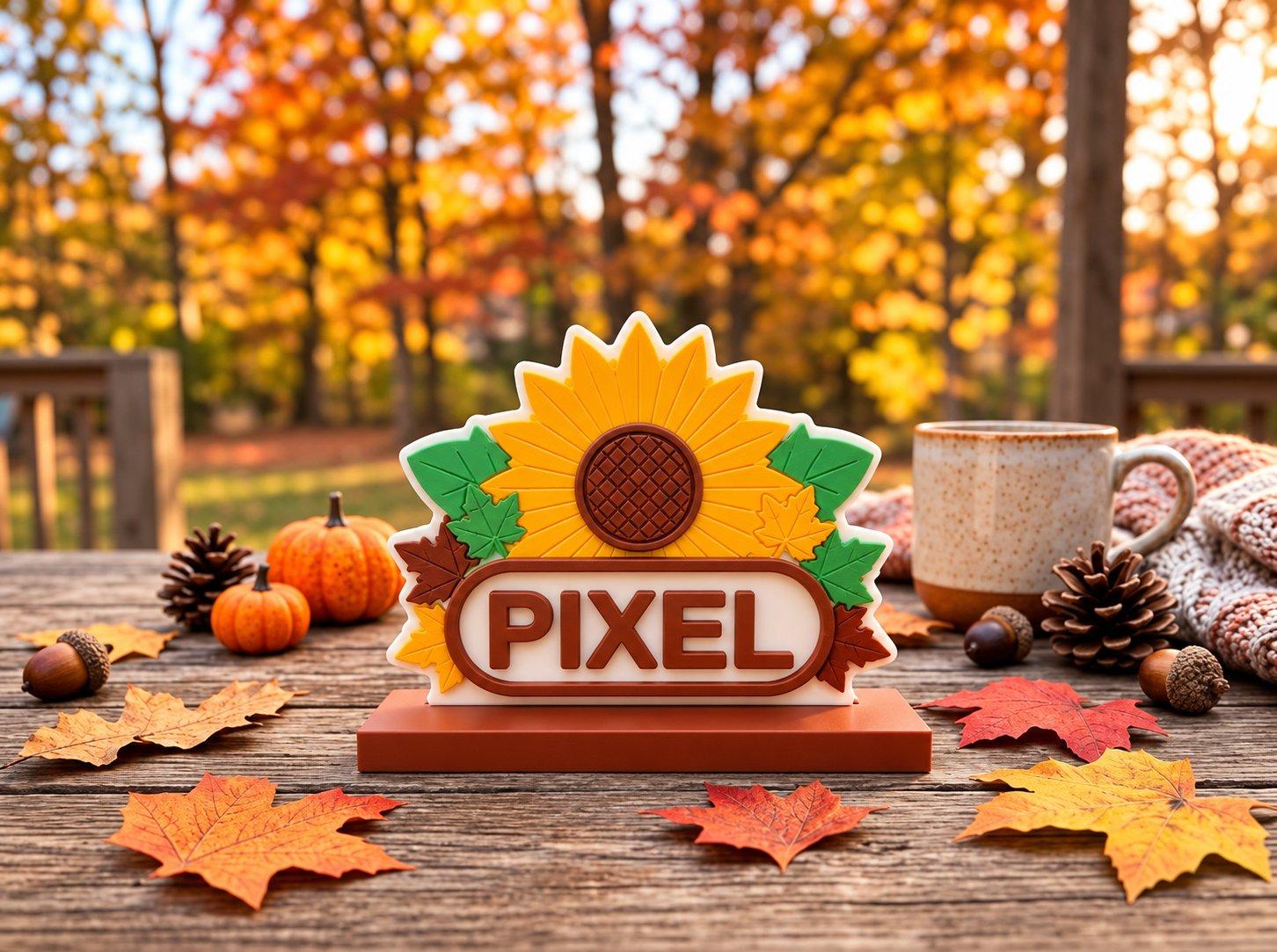 CustomizePersonalized Sunflower Autumn Leaves Name Sign With Stand🌻 Make your name bloom! Customize this sunflower and autumn leaves sign with a detachable stand. 🍁 Create your own at PixelForm!Starter✨ Customized
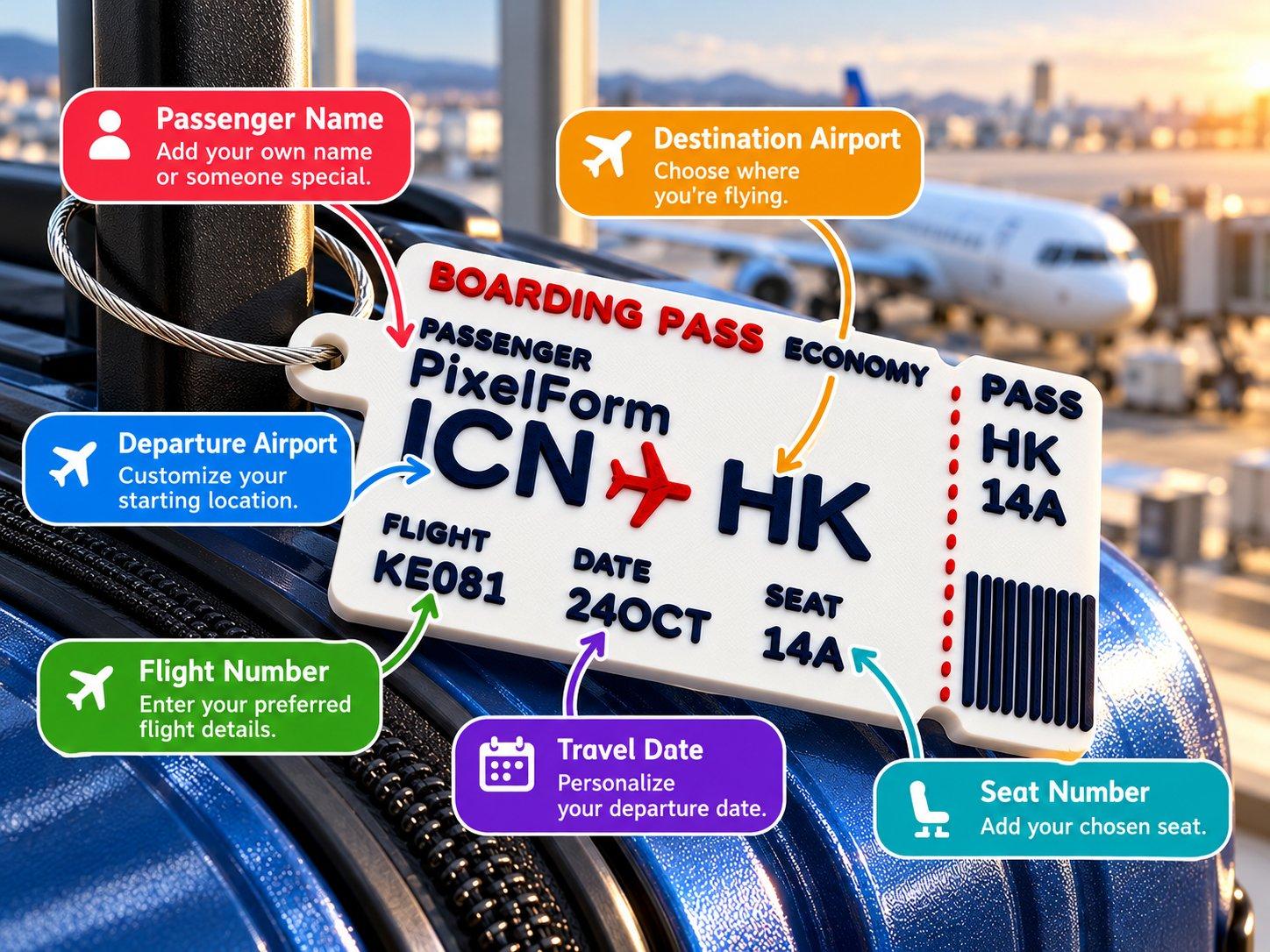 CustomizeCustomizable Boarding Pass Luggage Tag – Personalized Travel Keychain✈️ Your journey, your boarding pass! Customize your name, destination, flight, date, and seat. A unique luggage tag made just for you! 🧳Starter✨ Customized
 CustomizeCustomizable Halloween Ghost Family Wall Sign🎃 Your family, your ghosts! 👻 Customize the names and create an adorable Halloween wall sign made just for your family! 🧡Starter✨ Customized
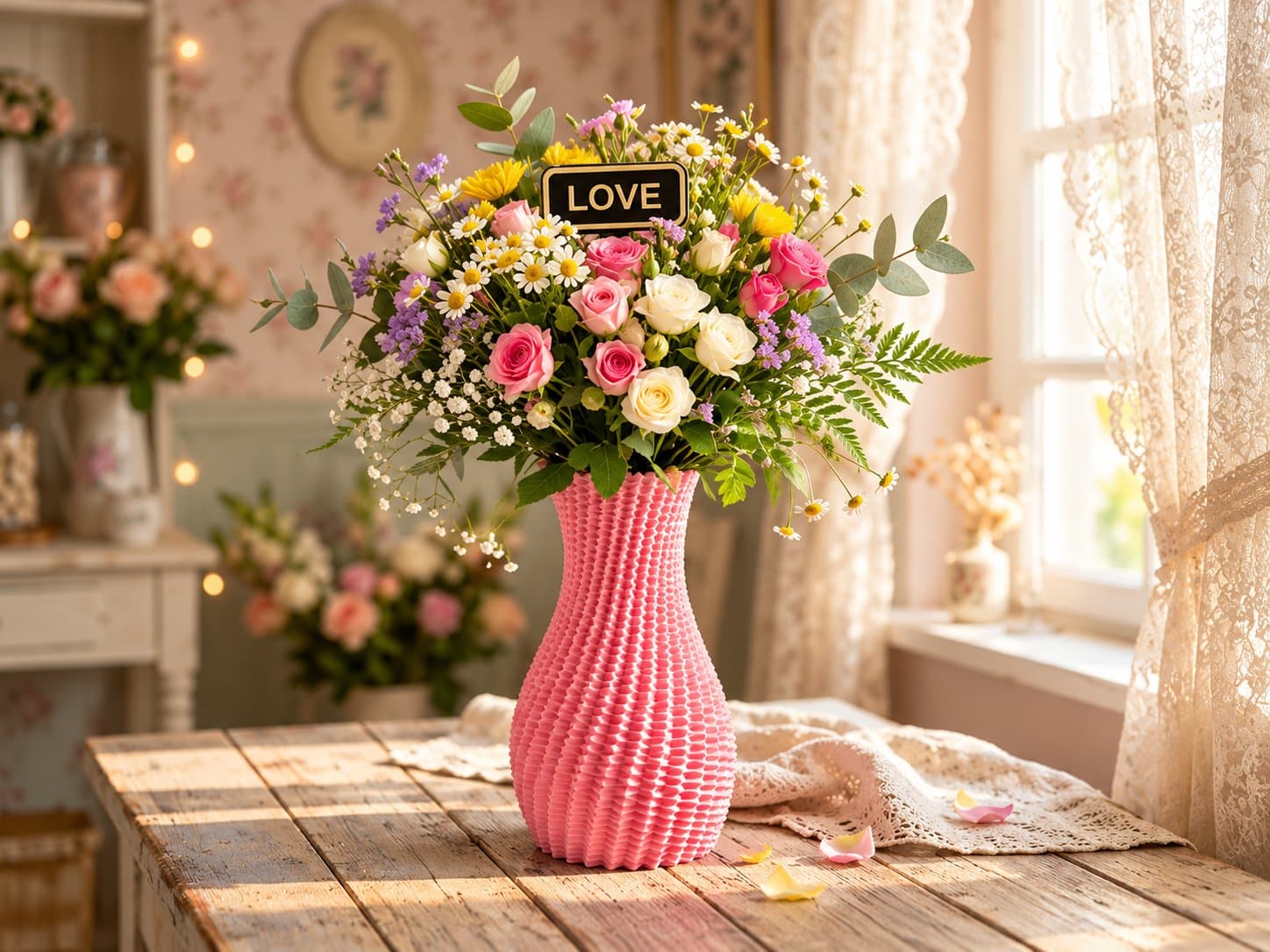 CustomizePersonalized Flower Vase Custom Patterns Name SignOne Vase, Endless Possibilities! 🌸 Choose your favorite pattern, customize the name sign, and create a beautiful floral display!⭐ Premium✨ Customized
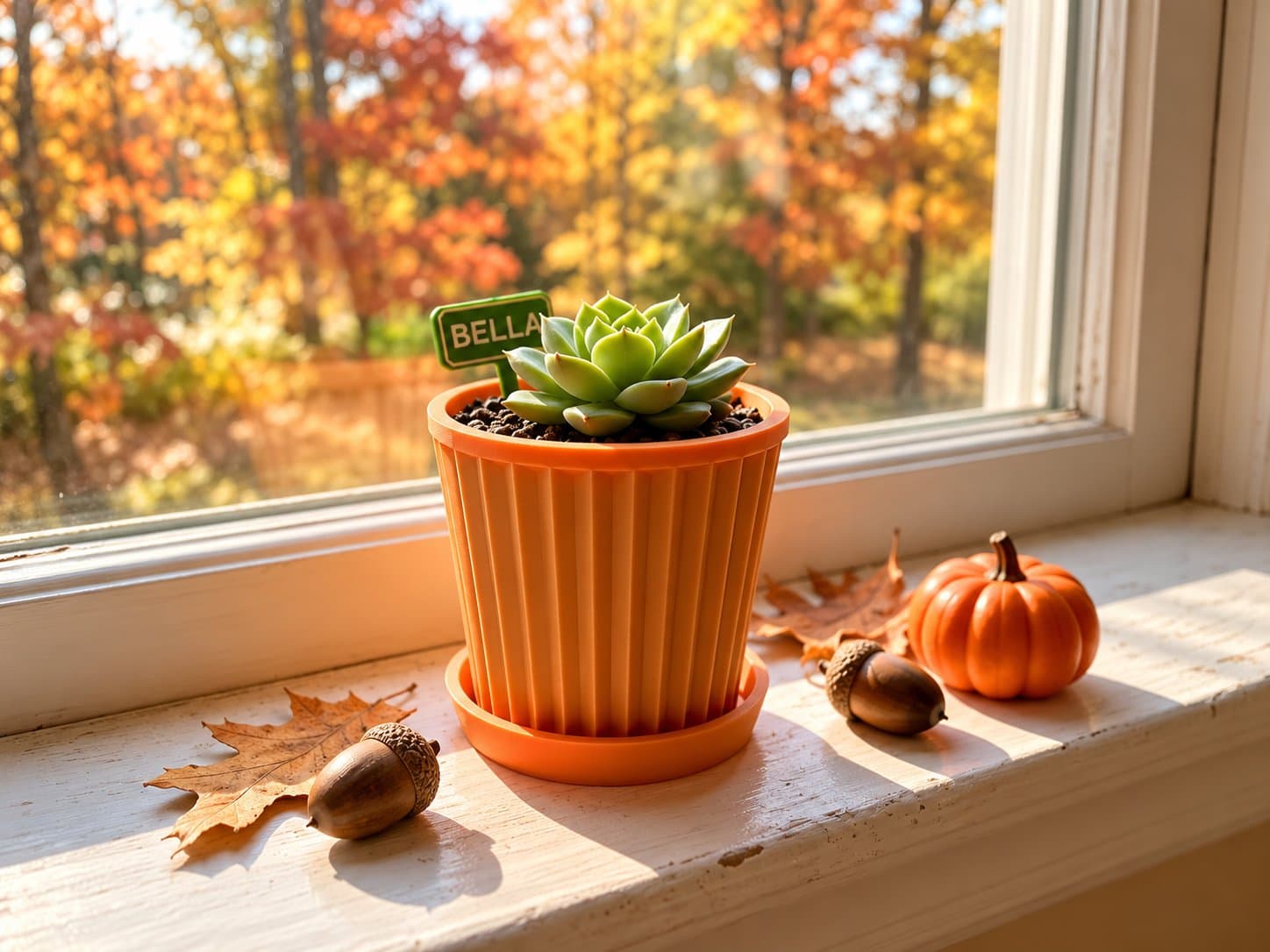 CustomizeCustomizable Ribbed Plant Pot With Name TagCreate your perfect plant pot! Choose 4 patterns, customize the size, add a name, and enjoy a matching drainage tray.⭐ Premium✨ Customized
 CustomizePersonalized Halloween Name Keychain🎃 Your name, your Halloween style! Customize this spooky keychain with your favorite name and colors. Perfect for bags, keys, and gifts! 👻Starter✨ Customized
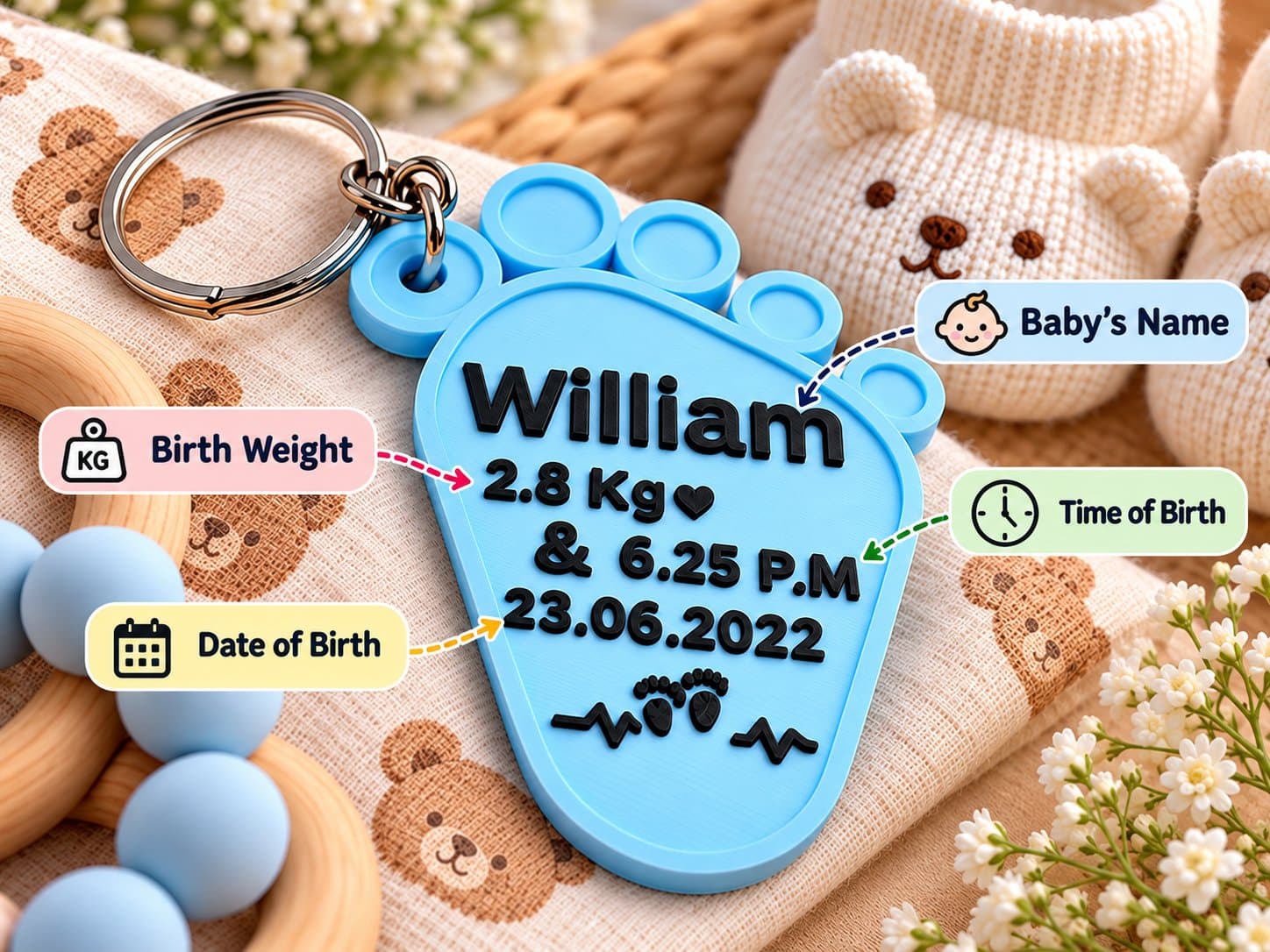 CustomizePersonalized Baby Footprint Birth Keepsake Keychain👣 Tiny footprints, forever memories! Add your baby's name, birth weight, time and date to this sweet keepsake keychain. 🩵Starter✨ Customized
 CustomizePersonalized Halloween Black Cat Name Keychain🐈⬛ Spooky, cute, and uniquely yours! 🎃 Customize this adorable black cat Halloween keychain with your name. Perfect for gifts and bags! Starter✨ Customized
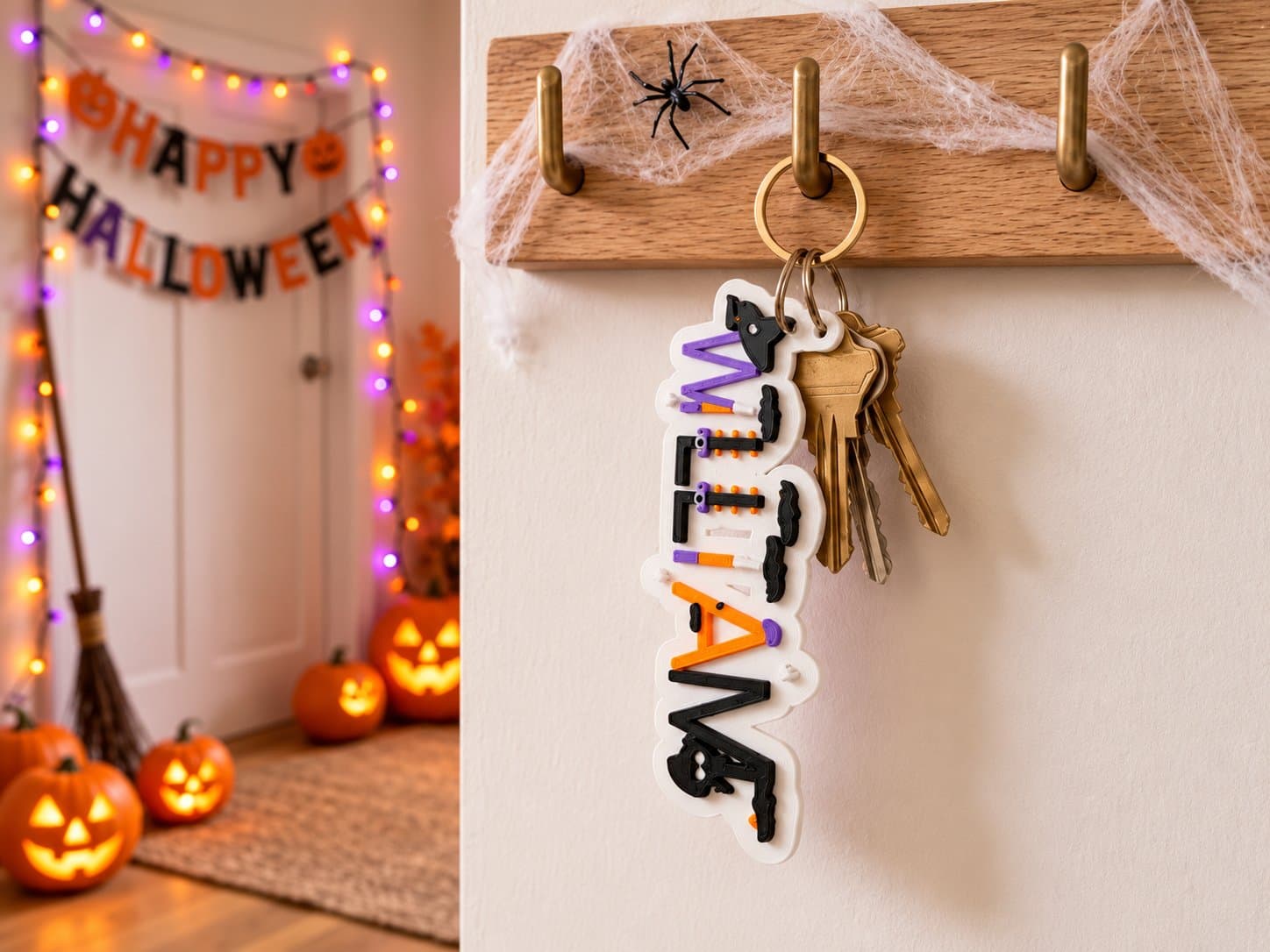 CustomizeCustom Halloween Witch & Bat Name Keychain🎃 Spell your name in spooky style! 👻 Customize this colorful vertical Halloween keychain. Perfect for bags, keys, and gifts! 🦇Starter✨ Customized
Loading model… 0%
Reading the model and its settings…
About This Model
🍁 Customizable Autumn Acorn Name Sign with Stand
Bring the cozy beauty of autumn into your home or workspace with this charming, personalized 3D printable name sign from PixelForm Studio!
Inspired by the warm colors of fall, this decorative design features a cheerful golden acorn surrounded by beautiful maple leaves in shades of yellow, orange, and brown. The customizable name takes center stage, creating a unique decoration that celebrates the season.
🍂 FEATURES
✨ Customizable Name – Personalize the sign with your own name, family name, or favorite short text.
✨ Separate Display Stand – The decorative sign and rectangular base are separate printable pieces, making printing, storage, and assembly convenient.
✨ Beautiful Autumn Theme – Features a golden acorn, colorful fall leaves, and a warm seasonal color palette.
✨ Four-Color Design – Created using white, brown, orange, and yellow for a cheerful autumn appearance.
✨ Easy Assembly – Simply insert the finished decorative sign into the slot of the printed stand.
✨ Versatile Decoration – Perfect for desks, bookshelves, office spaces, reception counters, and seasonal displays.
🎁 PERFECT FOR
• Personalized autumn gifts
• Home and office decorations
• Seasonal desk accessories
• Thanksgiving and harvest displays
• Custom name decorations
• Cozy woodland-themed interiors
🖨️ PRINTING INFORMATION
Recommended Material: PLA
Nozzle: 0.4 mm
Layer Height: 0.20 mm
Colors: 4
Printer Tested: Bambu Lab P2S
Print the decorative sign and stand separately or together on the same build plate.
🍁 PERSONALIZE YOUR AUTUMN
Create a one-of-a-kind seasonal decoration with your favorite name or text. The separate stand makes it easy to display your finished creation proudly.
Please check the real printed photos to see the actual appearance and assembly.
Designed with love by PixelForm Studio. ❤️
Print Information
- Category
- Decor
- Material
- PLA
- Nozzle
- 0.4 mm
- Layer Height
- 0.20 mm
- Supports
- No
- Infill
- 10%
- Difficulty
- Intermediate
How to Print Customizable Autumn Acorn Name Sign With Stand
Recommended print settings, explained
- Layer height (0.20 mm): 0.20 mm is the best balance of smooth curves and reasonable print time for most models. Use 0.16 mm for extra-smooth curved surfaces, or 0.24–0.28 mm for a quick draft.
- Infill (10%): Decorative prints need little infill. 10–15% gyroid keeps the model light and quick to print; extra walls add more strength than extra infill.
- Supports (No): This model is designed to print without supports. Keep supports switched off in your slicer: every overhang is shallow enough to print cleanly, and you save both filament and clean-up time.
- Walls: use at least 3 walls (perimeters) so the outer surface is solid and edges stay crisp after sanding.
Filament and material advice
PLA is listed for this model and is the easiest choice for decorative prints: it prints at 200–220°C with almost no warping, holds fine details and comes in the widest range of colors. Switch to PETG only if the print will sit in a hot car, in direct sun or outdoors.
Printing and post-processing tips
- Wash the build plate with warm water and dish soap before printing; fingerprints are the most common cause of parts lifting.
- A brim is only needed if corners start to lift; most models stick well on a clean textured or smooth PEI plate.
- Let the print cool fully before removing it, then trim any brim or strings with flush cutters.
- Light sanding (220, then 400 grit) smooths layer lines; a filler primer and acrylic paint give a fully finished look.
- For two-color text on a single-nozzle printer, add a filament change at the first layer of the raised letters.
Frequently asked questions
- How do I add my own text?
- Open the model in the Customizer, type your text, press Generate Model and check the 3D preview before saving the STL. Short names keep the letters thick and easy to read.
- Can I scale this model?
- Yes. Scaling up is usually safe; when scaling down, check in the slicer preview that thin walls and text still have at least two line widths (about 0.8 mm with a 0.4 mm nozzle).
- Which printers can print it?
- Any FDM printer with a 0.4 mm nozzle and a build plate larger than the model. The settings on this page were chosen to work on common printers without special tuning.
- Can I sell prints of this model?
- Not under the default license, which covers printing for yourself, your household and gifts. To sell physical prints, contact PixelForm first for written permission. Sharing or reselling the digital files is never allowed.
More detail in our printing guides and the license terms.
Comments
Log in or join free to leave a comment.